Smart receipts
Expenses are created automatically when a card transaction happens, receipts captured directly from merchants, matched instantly, with no manual work required.

Zero-touch expenses with receipts from merchants.
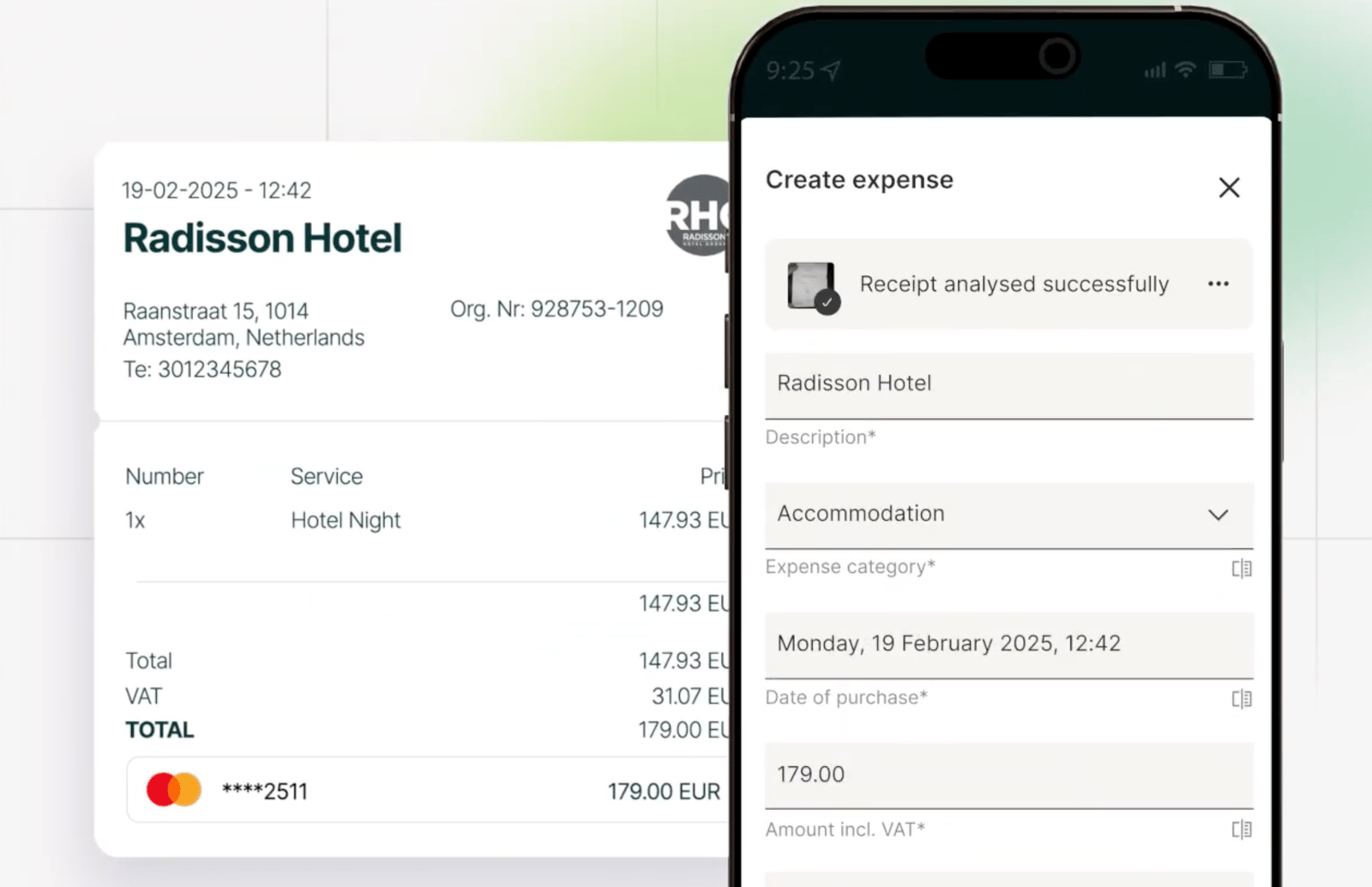
As soon as a purchase is made, the transaction is captured, the Smart Receipt is attached, and the complete expense is created automatically.
Direct from merchant
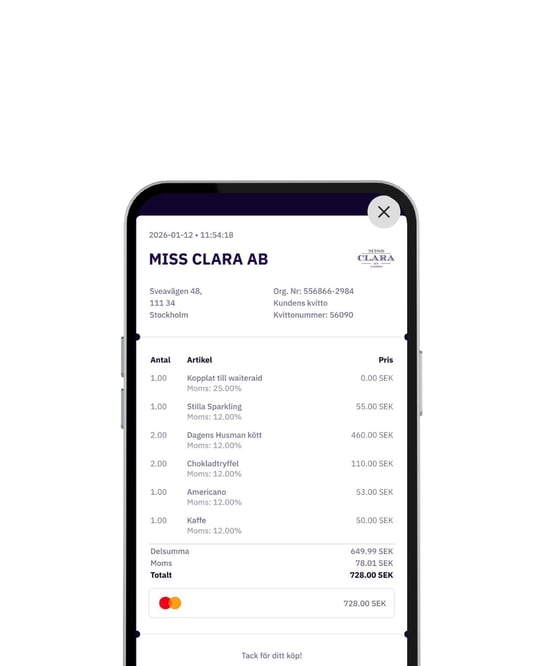
Receipts are captured digitally at the point of sale, no camera needed, no paper to lose.
Automatic matching
Findity securely combines transaction data with the digital receipt to build a complete, accurate expense.
Zero manual uploads
No photos. No manual reconciliation. No chasing employees for missing receipts.
Better data quality
Digital receipts mean fewer errors, faster submission, and cleaner records for finance teams.
How smart receipts work
.png?width=533&height=667&name=Body%20(9).png)
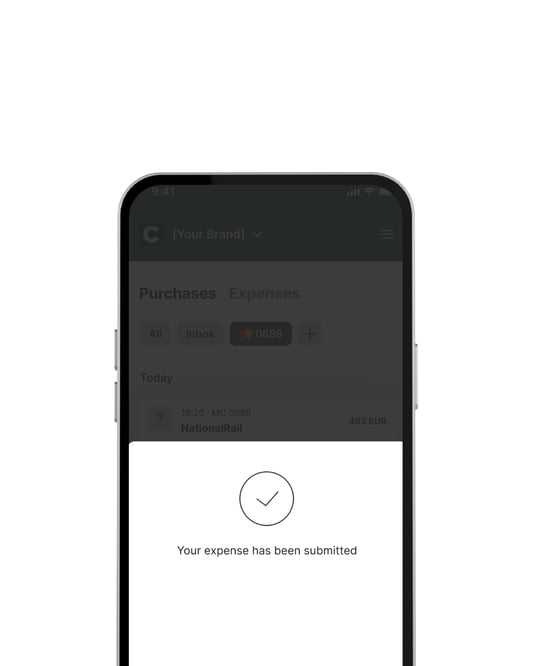
Make a purchase and click the notification

Appears in transaction page

Submit
and done
Smart receipts in practice
Where smart receipts work
Smart receipts works across leading cards integrations, including Airplus, SEB, Danske Bank, and Mastercard, with support for Visa, Nordea First Card, and Handelsbanken coming soon.
With over 12,000 connected vendors across core categories like hotels, restaurants, taxis, and transportation, digital receipts appear automatically with no extra steps required.

-
available
-
available
-
available
-
available
More card information
What are Smart receipts and how do they work?
Smart receipt is a digital receipt generated by a merchant at the point of sale that automatically connects to your card transaction in your expense app. It eliminates the need for paper receipts and manual photo uploads by creating an expense entry for you automatically. Here is how the step-by-step process works:
- Purchase: Make a payment using an eligible company or personal card.
- Instant transaction data: Your transaction information is sent instantly.
- Digital receipt generation: A digital receipt is generated directly by the merchant.
- Data matching: Findity automatically combines both data sources.
- Auto-expense creation: A complete expense with the receipt already attached appears in your app—ready to submit with no manual reconciliation needed!
Which cards are supported by Smart receipts?
- Airplus: Company cards
- SEB: Company cards
- Danske Bank
- Mastercard: Company credit/debit cards and personal credit cards
- Coming soon: Visa, Nordea First Card and Handelsbanken.
Where will smart receipts be issued?
Smart receipts is currently available with the Mastercard, SEB, Airplus and Danske Bank integrations. Currently there's +12.000 vendors connected with a strongest presence in the Nordics. We continue to add to this feature with more vendors and card connections.
In which regions are Smart receipts available?
Smart Receipts are available in the Nordic region, specifically in:
- Sweden
- Norway
- Denmark
- ...with broader regional coverage coming soon.
What types of purchase categories are covered?
We focus on categories with high business expense volume, including:
- Hotels
- Restaurants
- Taxi and transportation
- ...and more!
More expense management features

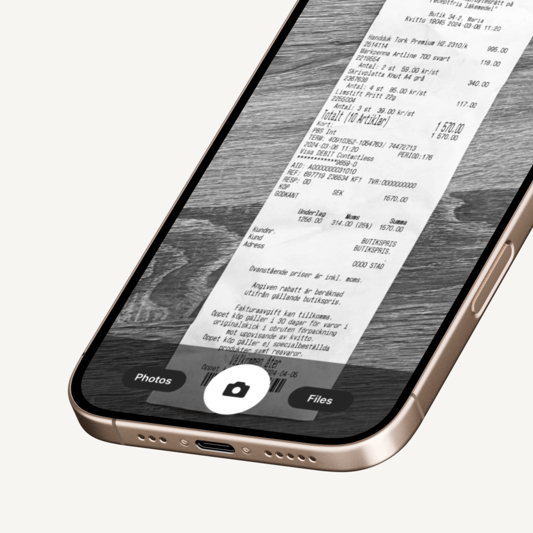
Receipt scanner
.png?width=533&height=533&name=Mileage%20(1).png)
Mileage
.png?width=533&height=533&name=Per%20diem%20(1).png)
Per diem

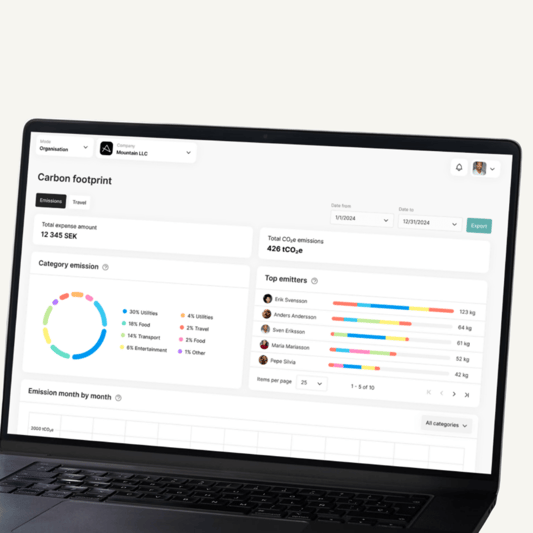
Carbon footprint
More features
Ready to build smarter expense management?
Join leading companies already powering their expense products with Findity.
Let’s talk about what we can create together.